AdMaker.aiAdMaker.ai
Ads Library
Ad FinderSwipe FileAd SpyAd Library Extension
AI Ad Generator
Ad CloneImage AdVideo AdAI Avatar
AI Image Resizer Ad Copy Generator Product Description Generator Call to Action Generator AI Hook Generator Ad Headline Generator Ad Script Generator Ad Slogan Generator AI Radio Ad Generator AI Brand Voice Generator Gif Banner Maker
Pricing
AdMakerCreate
Create Ads
Ad CloneVideo AdImage AdMy Creation
Folders & Boards

Save Ads with Chrome

DownloadGoogle Chrome Extension

Ad Clone

Select Product Image

Upload your product image or enter the product page link, and we will automatically extract the images

Or

Click to upload product image

Supports JPG, PNG, WEBP formats

JPGPNGWEBP≤ 10 MB

Select Reference Method

Additional Settings

No history records

No history records yet

Enter the product name to continue

AI AD CLONE

AI Ad Clone: Turn Reference Ads Into Your Own Image & Video Ads

Start with an ad you like. Add your product image and a reference image or video, then generate a new image or video ad built around your brand, offer and audience.
See Examples
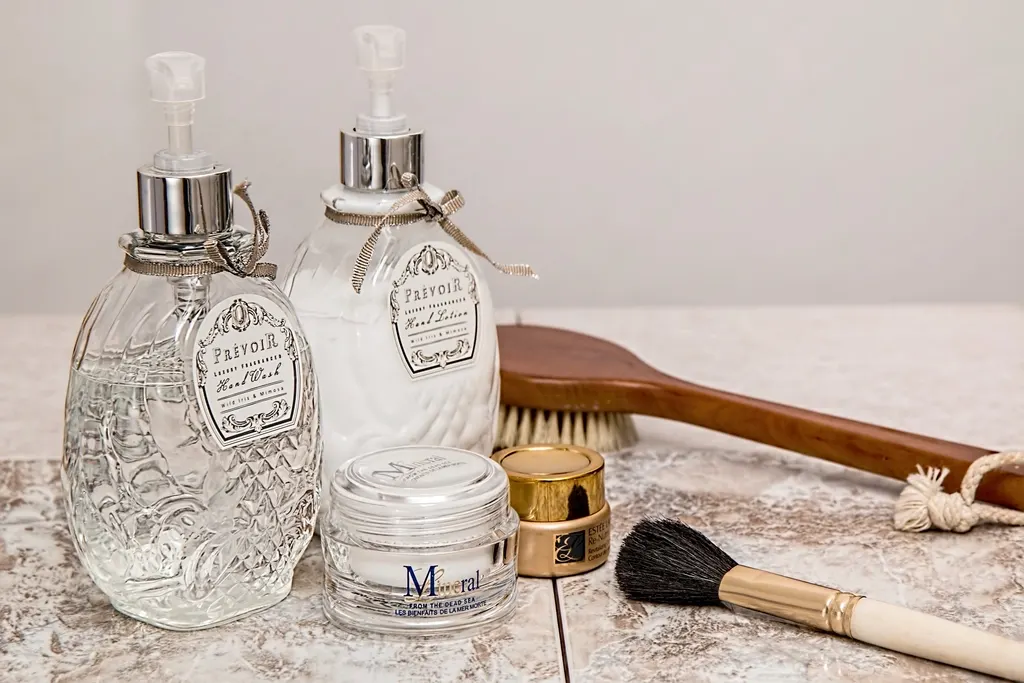
Skincare bottles and beauty products arranged for a product photograph

The concept

What Is AI Ad Clone?

AI Ad Clone uses an image or video ad as a creative reference and builds a new ad for your product. Add your product assets and a reference, and AdMaker adapts the visual direction, storytelling and format into an original image or video creative for your brand.

Clone an Ad
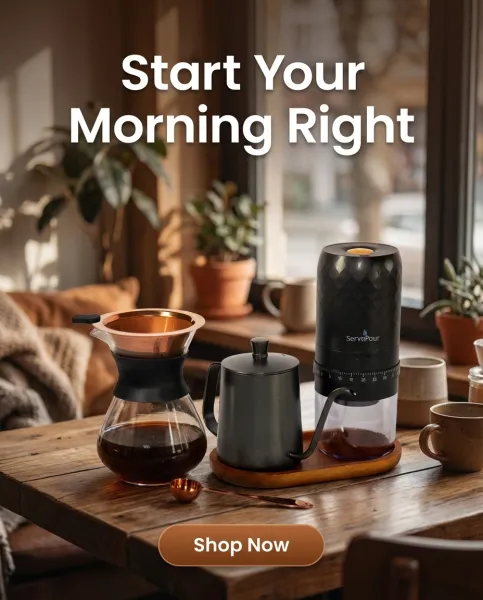
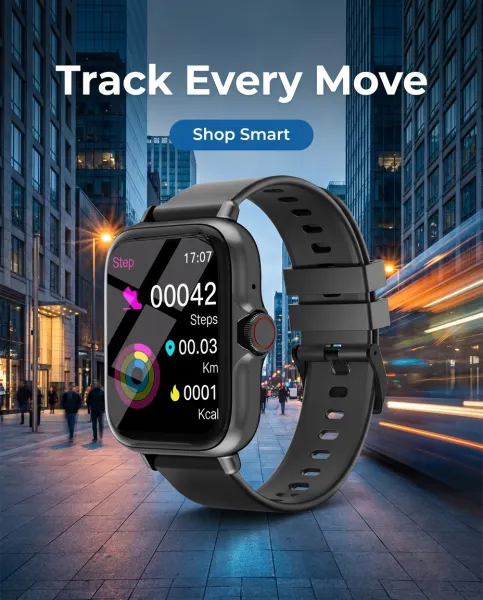
Coffee product image ad creativeFitness watch image ad creative

Why start with a reference

Create More Product Ads from One Reference.

Use a visual idea as a starting point, then change the execution for your own product and message.

Keep the idea, change the execution

Carry over a hook or composition without copying another brand's content.

Work from images or videos

Turn a visual layout or a clip's scene flow into a new product ad.

Try more variations

Change the offer, message, format and CTA while keeping your product in focus.

Reference formats

Clone Image and Video Ads with Your Own Product.

Upload a reference image to guide the layout, product placement and visual style of a new image ad. Or use a reference video to guide the hook, scene sequence and pacing of a new video ad. Add your product image, message and campaign details to make either output your own.
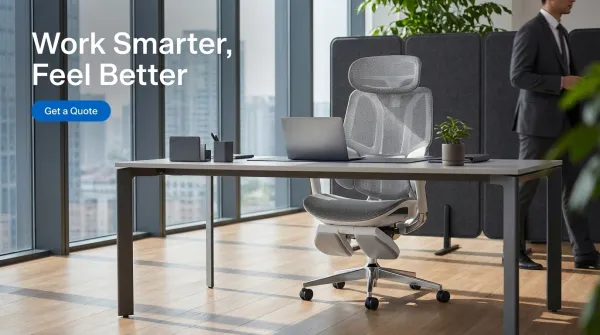
Furniture image ad with clear product layout
01 / Image reference

Guide a new image ad

Build around a visual layout, text hierarchy and product placement.
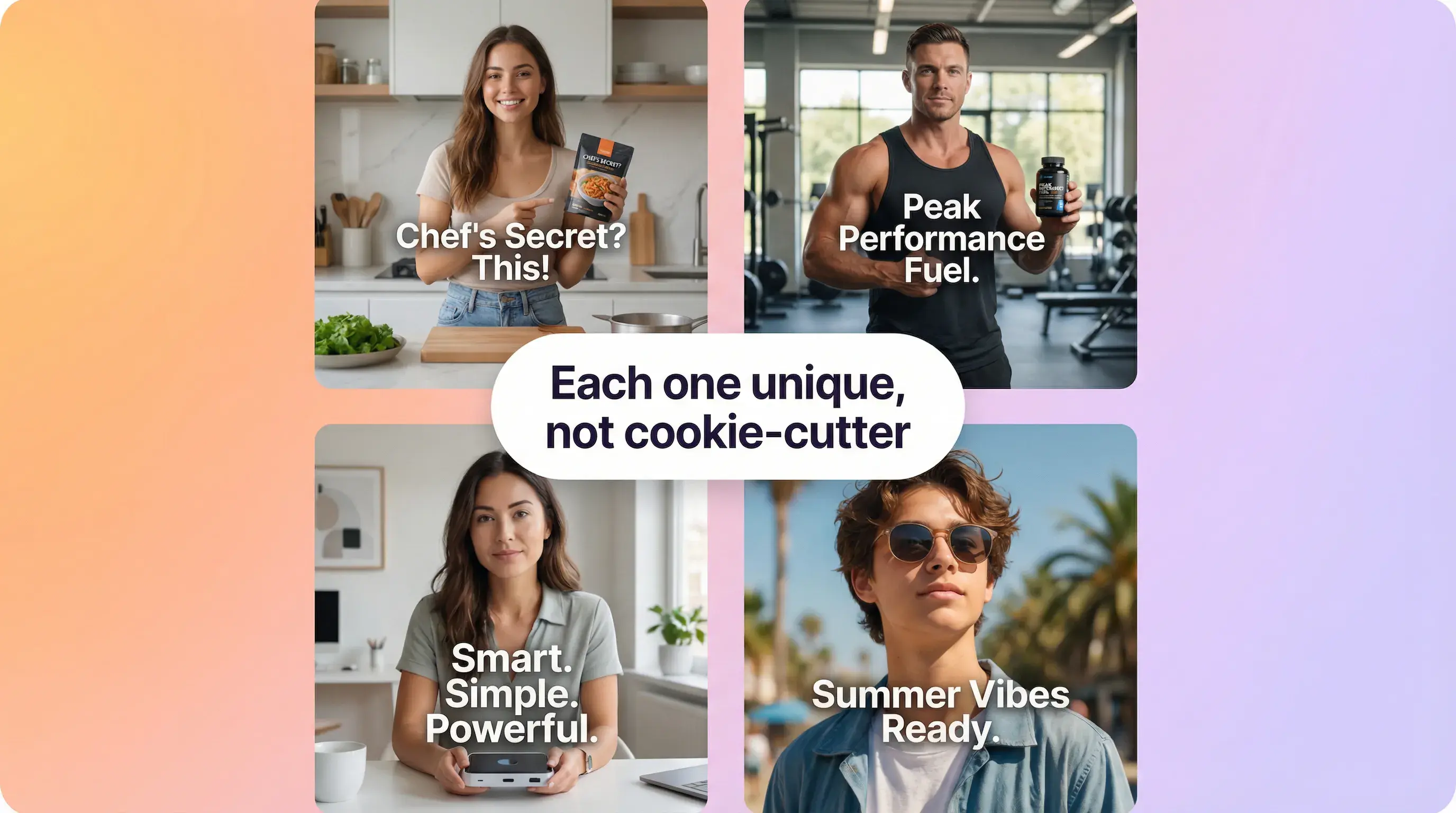
Creative frames showing different advertising directions
02 / Video reference

Guide a new video ad

Use a clip's opening, scene order and pacing for a new product story.

Perfume bottle photographed beside purple flowers
03 / Your product

Make the creative yours

Add your product image, message and offer to either format.

Understand & rebuild

Rebuild the Creative Framework Around Your Brand.

The reference provides a direction; the finished image or video is a new creative to review.

Reference ad composition
From the reference

Understand the structure

  • Opening hook and shot order
  • Composition and product placement
  • Text hierarchy and CTA
  • Scene pacing and visual rhythm
Product asset for a new creative
In your new ad

Rebuild for your product

  • Your own product and brand assets
  • Your offer and verified claims
  • New visuals, scenes and copy
  • An image or video creative to review

Who it's for

AI Ad Clone for Ecommerce, Brands and Agencies.

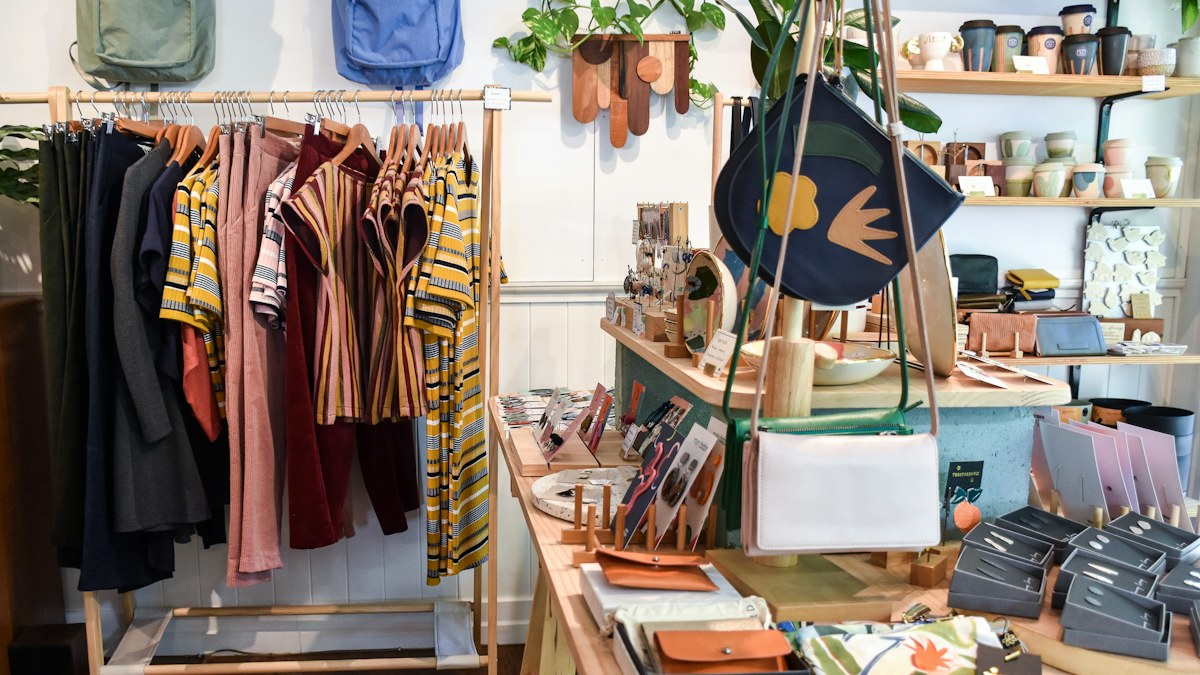
Retail products displayed in a store

Ecommerce sellers

Turn product photos and reference ads into fresh image and video variations for a launch.
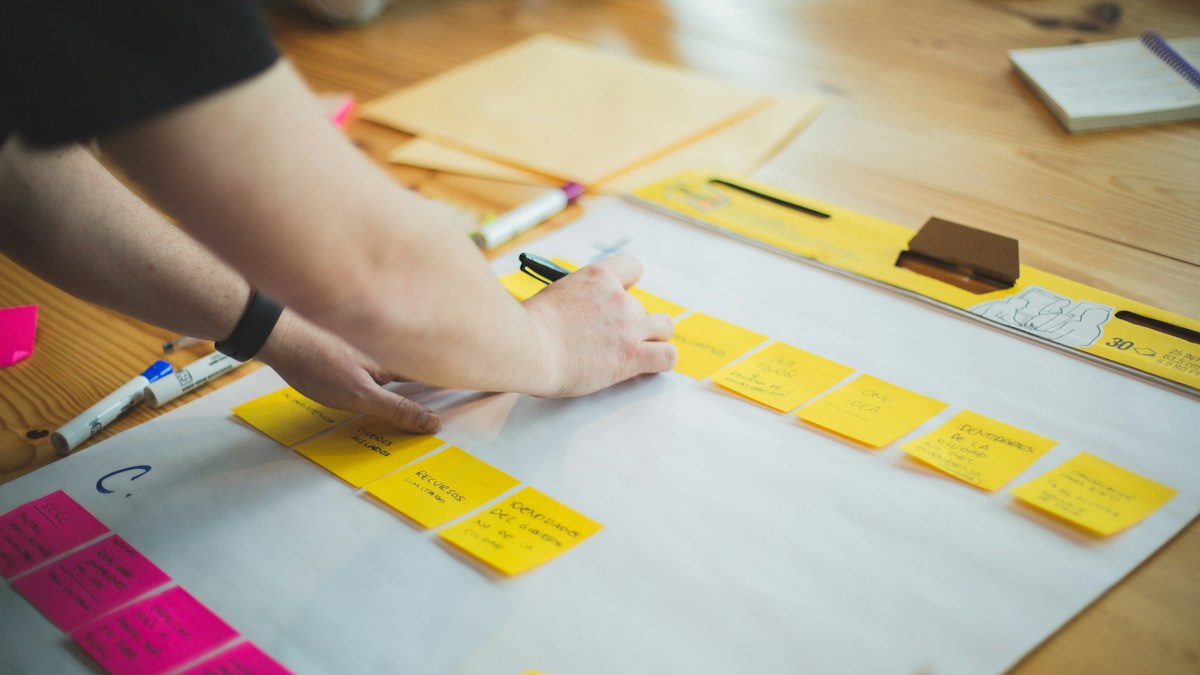
Marketing team planning a campaign

Marketing teams

Adapt one creative direction across products, offers and campaign formats.
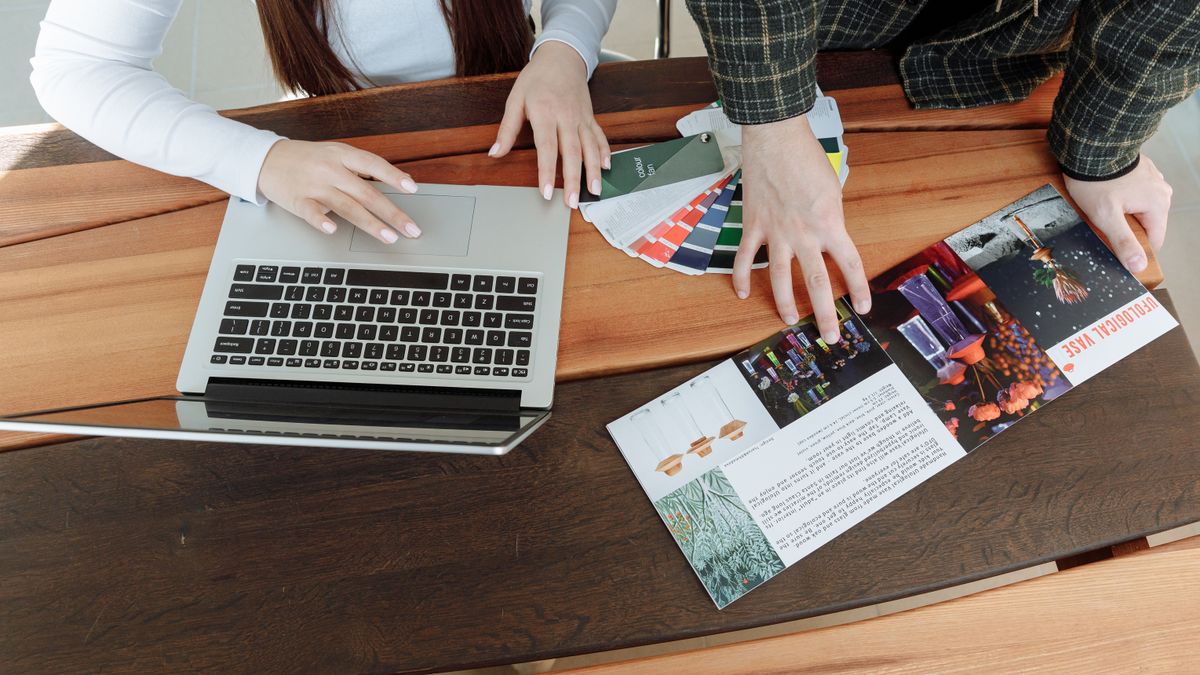
Designers reviewing a visual concept

Agencies

Explore new concepts from client-approved references and review each result before delivery.

Three steps

How to Clone an Ad with AI.

01

Add your product and reference

Upload a product image and the image or video ad that inspires you.

02

Set the direction

Describe the product, audience, offer and preferred output format.

03

Generate and review

Create an image or video ad, check the product details and message, then export the version you want to use.

Creative examples

See What an Ad Reference Can Become.

Browse product-led image directions, or use the Video Ad workspace above to work from a reference clip.
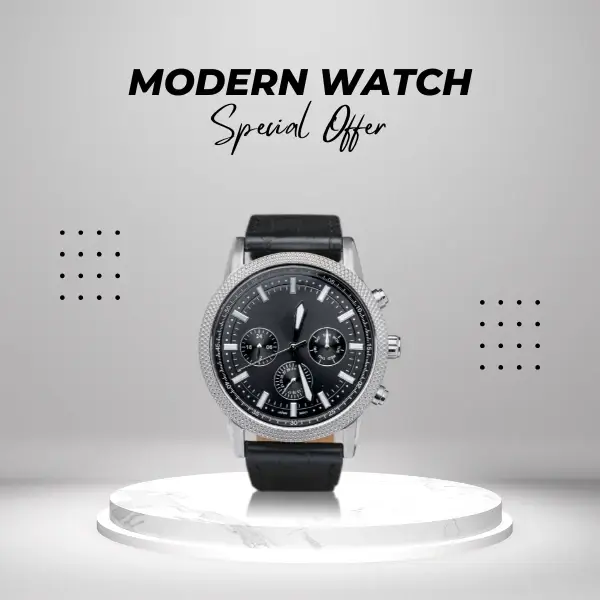
Watch product ad concept
Product focusA clear product silhouette and concise offer.
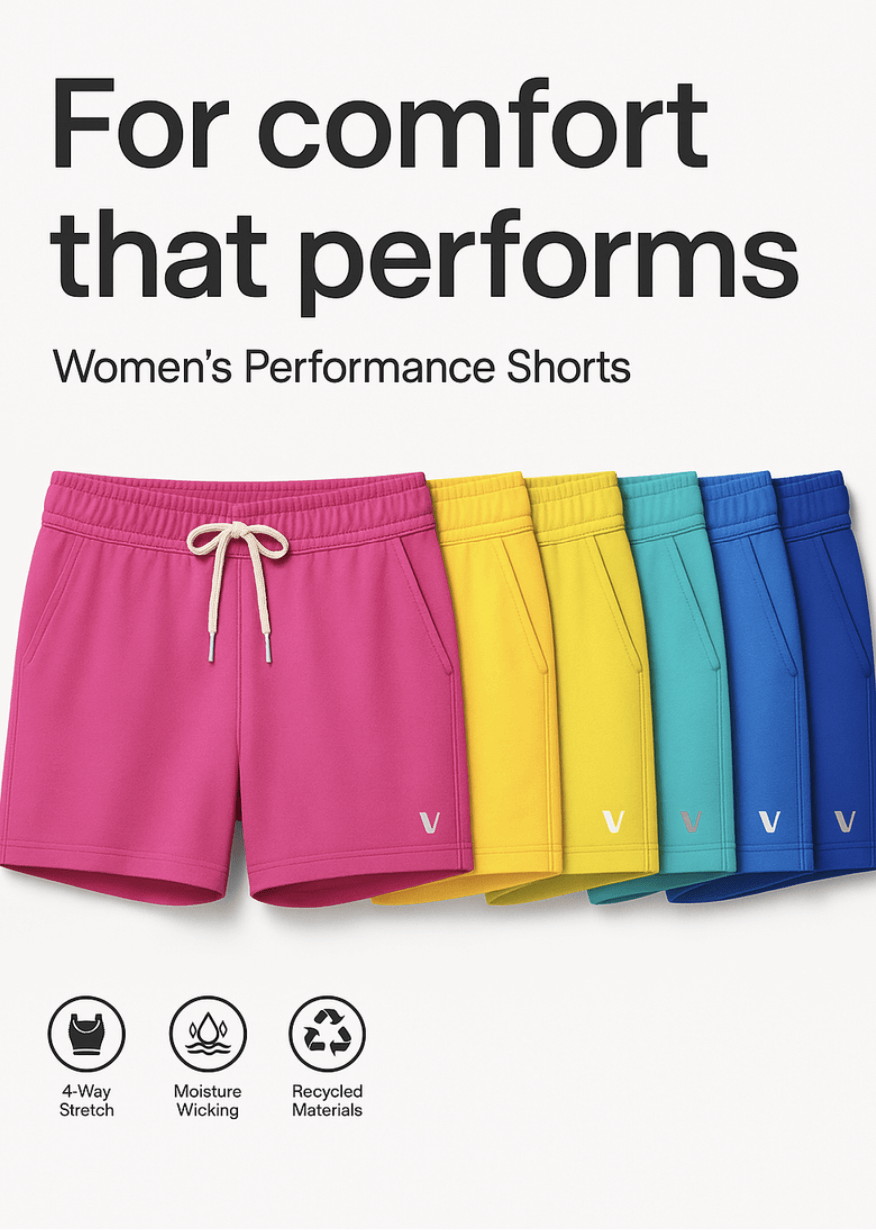
Sportswear product ad concept
Collection variationMultiple colorways in a campaign composition.
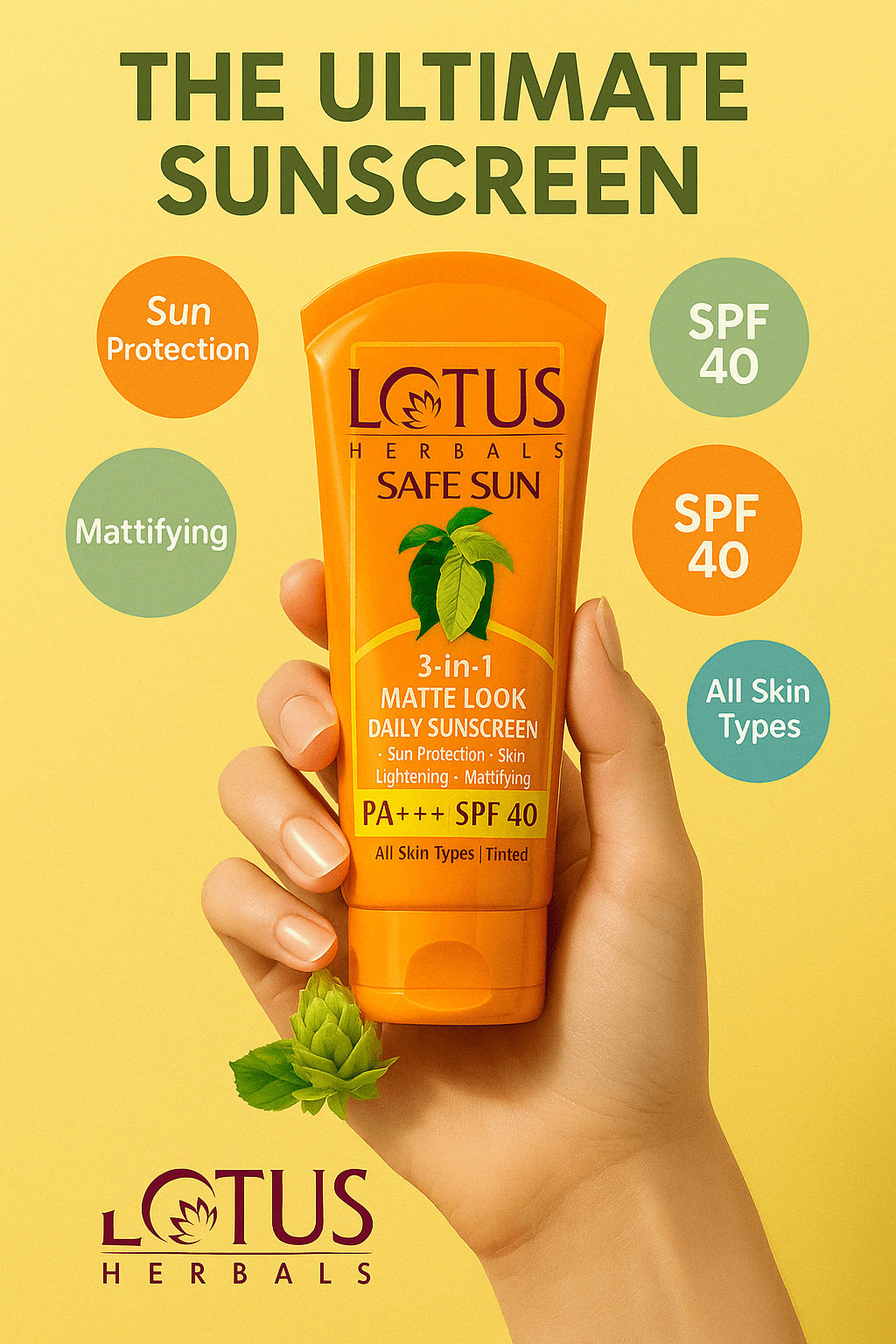
Skincare product ad concept
Benefit-led layoutProduct and supporting message in one frame.

Image creative directions shown; individual examples are not matched before-and-after results.

Creative workflow

Ad Clone vs Starting from Scratch.

A blank brief requires you to define the layout, hook and scenes first. With AdMaker, start from a reference, add your product and generate image or video directions to compare. You still choose the final message, verify product claims and review the creative before publishing.

Blank brief

Define everything first

  • Plan the layout, hook and scenes
  • Build a creative direction from scratch
  • Review the message and product claims
With AdMaker

Start from a reference

  • Add your product and an image or video ad
  • Generate image or video directions to compare
  • Verify the details before publishing

AI Ad Clone FAQ.

Answers on references, product assets, image and video output, and review.

Get started

Turn Your Next Reference into a Product Ad.

Upload your product, choose an image or video reference and create a new ad around your brand.

AI Ads Generator

AdMaker.ai

Create professional video ads with AI technology - from product URLs to viral content in seconds

FacebookTwitterLinkedIn

[email protected]

AI AD Maker - AI AD Maker: URL to video ads in minutes | Product Hunt
Features
  • AI Video Ads
  • AI Image Ads
  • AI Image Ads Clone
  • Avatar Video
  • Create Your Own Avatar
  • AI Lip Sync
Resources
  • Blog
More Tools
  • Batch Creation
  • Talking Photo
  • Video Translation
  • AI Background Remover
  • AI ID Photo
  • QR Code Generator

© 2026 AD Maker. All rights reserved

Privacy PolicyTerms of Service
AI Ads Generator
AD Maker

Sign in to your account

Or use email to login
Reset password
Don't have an account? Sign up
By continuing, you agree to our Terms of Service and Privacy Policy