Introduction
They say you shouldn’t judge a book by its cover, but in the professional world, everyone judges you by your profile picture. Whether it’s for LinkedIn, a corporate website, or a speaking circuit, your headshot is often the first “handshake” you have with a potential employer or client.
However, not everyone has the time to book a studio, hire a photographer, and wait a week for edits. This is where a reliable AI headshot generator can really change the game. But with dozens of tools popping up, which one actually delivers a professional result without making you look like a video game character?
I’ve spent the last week testing 8 of the most popular tools on the market. From heavy-duty training models to lightning-fast one-click solutions, here is the definitive breakdown to help you choose the best AI headshot generator for your specific needs.
TL;DR
- Fastest and Easiest: Headshotmaster. It requires only one photo and takes less than a minute.
- Most Realistic: Aragon AI. It uses multiple uploads to train the AI for studio-quality results.
- Best for Designers: Canva. It is ideal for those who want to drag their new photo directly into a resume template.
- Best for Experimenting: NoteGPT or VisualGPT. Both provide daily free attempts for casual users.
1.Headshotmaster
If you are looking for a seamless and efficient experience, Headshotmaster is an excellent free AI headshot generator that prioritizes user convenience. It’s designed to be completely hassle-free, which means you don’t even need to create an account to start. All it takes is one selfie and about 30 to 50 seconds to get a high-quality studio portrait. What makes it special is the “AI Clothes Changer” feature and 19 different customization options. Whether you want to change your outfit, adjust your hair color, or even tweak your age for a more mature look, this free tool handles it all with impressive realism.
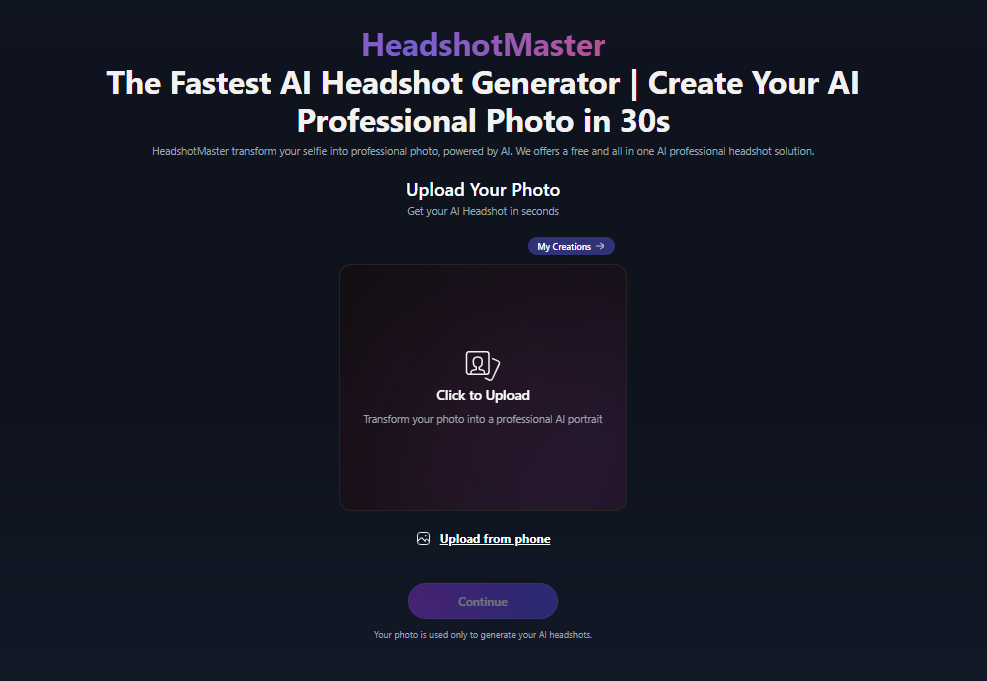
Key Strengths:
- You can go from a messy selfie to a professional headshot in less than a minute, which is perfect for last-minute needs.
- You only need to upload one photo. No complicated setups or multiple uploads are required to get a great result.
- With 19 different features, you can play around with your “digital look,” like changing your clothes or hairstyle, until it’s exactly what you want.
Limitations:
- Because there are so many things you can customize (like ethnicity, body type, and glasses), it might take a few tries to find the perfect combination of settings.
2.Canva
Most people already know Canva as a design tool, and their AI headshot maker is a nice addition to their library. It’s very straightforward.You just need to upload a photo, choose from 12 styles, and wait about a minute or two. The quality is solid, and it’s very convenient because once your photo is generated, you can immediately drag and drop it into a resume or a business card template right inside Canva. It’s a great all-in-one solution for people who are already doing creative work on the platform.
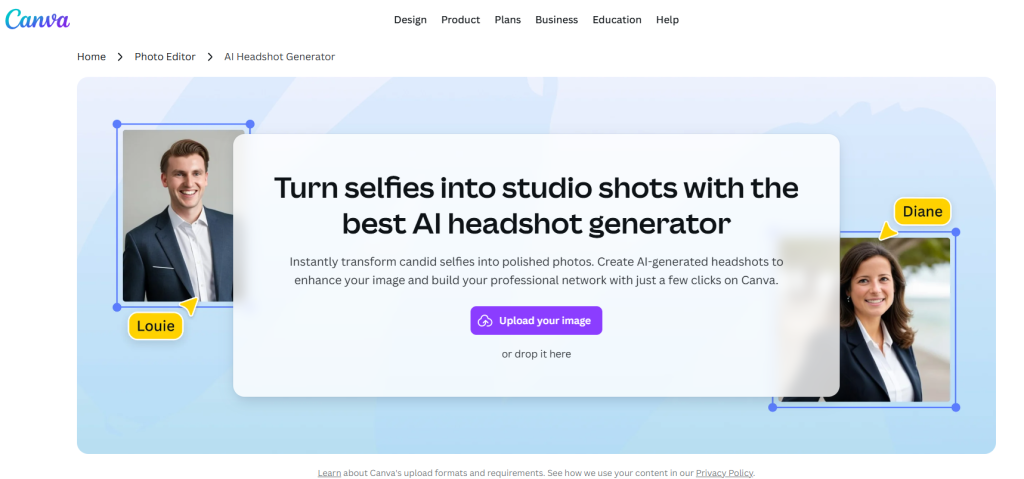
Key Strengths:
- Since it’s built into Canva, you can easily remove the background or add text to your new photo without switching apps.
- You get 12 different looks to choose from, helping you match the vibe of your LinkedIn profile or personal brand.
Limitations:
- If you want to describe exactly what you want the AI to do with your photo, you’ll need to pay for a Pro subscription.
- Because Canva does everything, finding the specific AI Headshot tool and navigating the menus can feel a bit overwhelming for someone who just wants a quick photo.
- The AI is good, but the headshots sometimes feel a bit more like a filter than a professional photograph.
3.Aragon AI
Aragon AI is for people who want their AI photos to look like they actually went to a professional photo studio. It takes about 3 minutes and requires you to upload at least 6 photos so the AI can really learn what you look like. This training process results in very realistic images that don’t have that “fake” AI look. It’s very professional and organizes your results into “Packs,” making it easy to find a photo that fits a corporate environment.
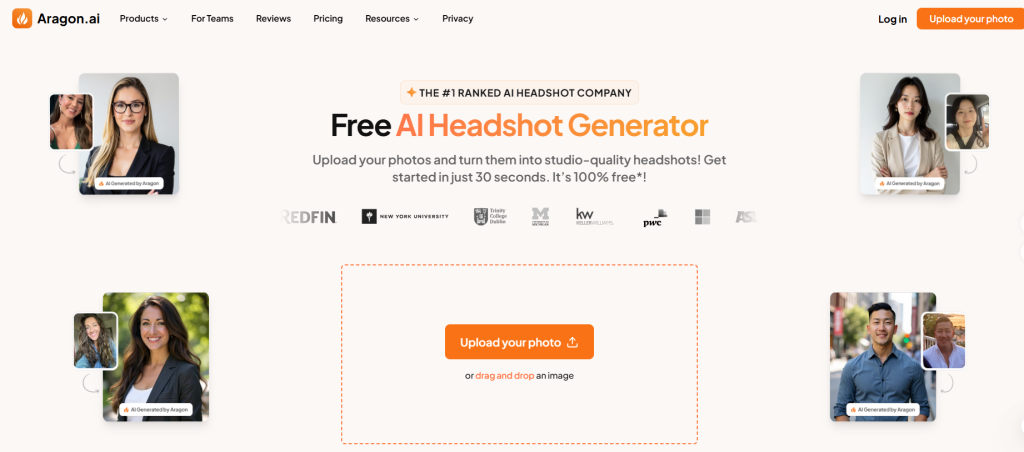
Key Strengths:
- The photos look less like AI and more like real photography, which is exactly what you want for a serious job application.
- It doesn’t just give you one photo; it gives you a whole set of professional-looking options with different backgrounds and lighting.
Limitations:
- You have to find and upload at least 6 clear photos of yourself, which can be annoying if you’re in a hurry or don’t have many selfies.
- Waiting 3 minutes feels like a long time compared to tools that give you results in seconds.
4.NoteGPT
NoteGPT is a handy little tool if you want to experiment. It asks for 1 to 8 photos and takes about 2 minutes to generate results. It’s not the highest quality on the list, but it’s very flexible. You can actually type in descriptions to tell the AI what you want, like “wearing a blue blazer.” It’s a nice option for casual users who want to see what AI can do without spending money, as they offer several free images every day.
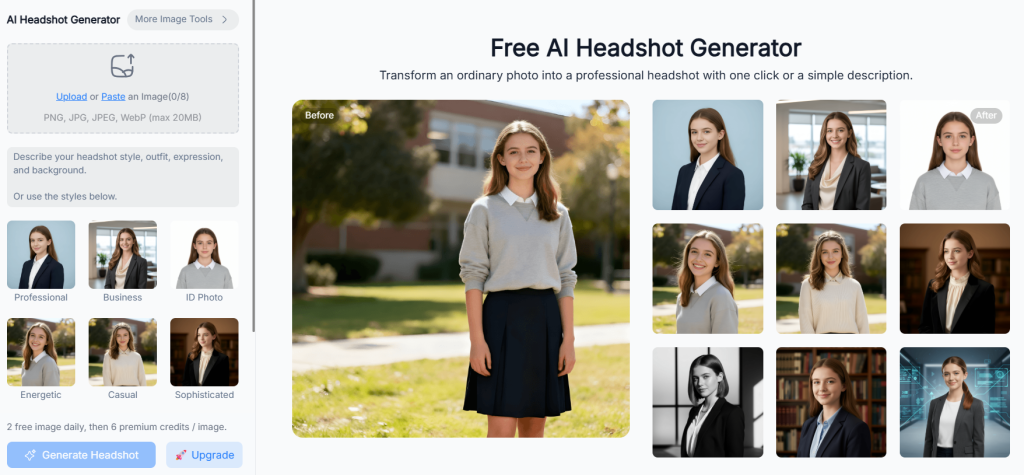
Key Strengths:
- You can use text prompts to guide the AI, which gives you more control over the final look than just clicking a preset button.
- Getting two free photos every day is a nice touch for students or people on a tight budget.
Limitations:
- The images can sometimes look a bit “cartoonish” or blurry, so they might not be the best choice for a high-end corporate profile.
- It generates mixed results.Depending on the photos you upload, the AI sometimes struggles to get the facial features exactly right.
5.VisualGPT
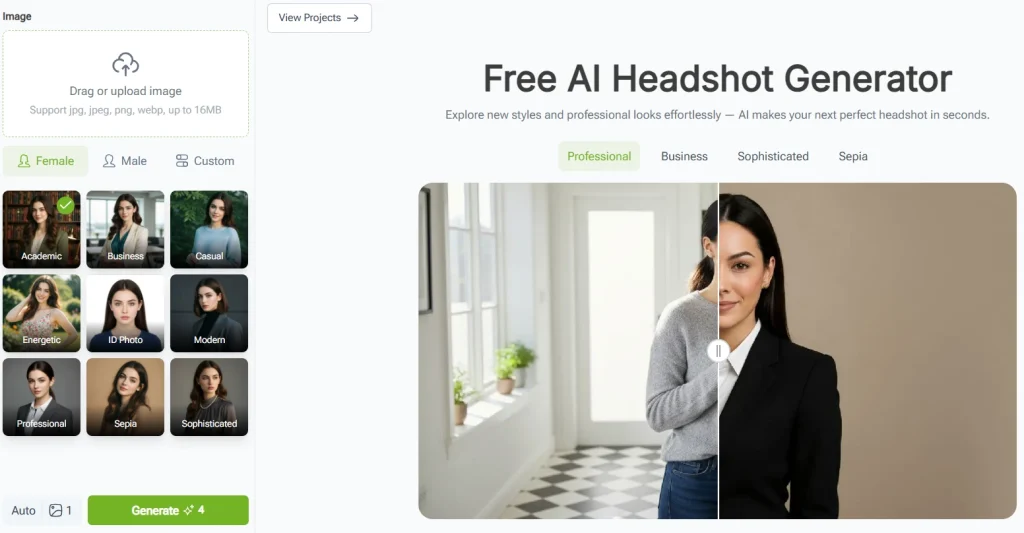
VisualGPT is all about finding a middle ground between speed and quality. It only needs one photo and finishes in about a minute or two. The photos are pretty good, and the interface is very clean and easy to navigate. It offers 9 different styles, so you can go for a very formal look or something a bit more casual. Like NoteGPT, it also gives you a couple of free tries every day.
Key Strengths:
- Just one photo is enough to get started, which makes the whole process very smooth.
- It’s faster than the heavy-duty tools but produces better quality than the basic ones.
Limitations:
- Once you use your free credits, you’re stuck until the next day unless paying for it.
- While it’s good at what it does, it doesn’t have extra tools like clothes changing or advanced photo editing after the image is made.
- It feels a bit empty. Once you’ve generated your photo, there aren’t many interactive tools to refine or play with the image.
6.Fotor
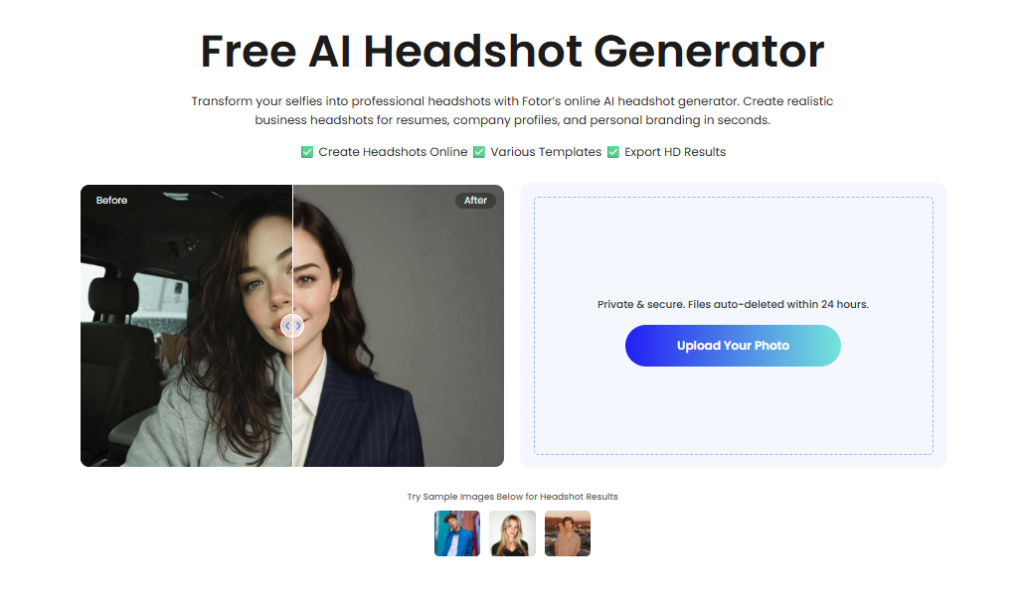
Fotor is famous for its photo editing app, and their headshot tool is quite powerful. It works with just one photo and takes about 4 minutes to process. The results are high quality, and the best part is that you can use Fotor’s famous editing tools to touch up the photo afterward. If you want to fix a blemish or adjust the lighting on your AI-generated face, Fotor makes that very easy.
Key Strengths:
- After the AI makes your photo, you can perfect the skin or adjust the colors.
- They show you free style options upfront, so you know what kind of quality to expect.
Limitations:
- If your original photo isn’t perfect (bad lighting or a weird angle), the AI will often fail to see your face and won’t let you proceed.
- At 4 minutes per photo, it is one of the slower options in this group.
7.InstaHeadshots
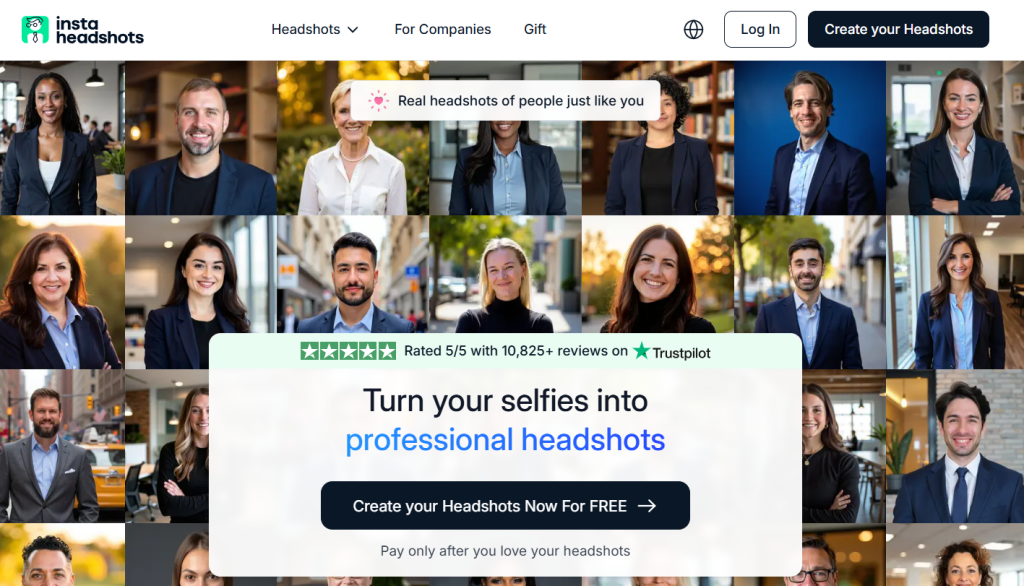
InstaHeadshots is more like a full digital photoshoot than a quick tool. It’s a premium, paid service that asks you to upload 10 photos and wait 5 to15 minutes. Why so long? Because it generates dozens of images in 50 different styles based on your specific job or industry. If you are a real estate agent, for example, it will try to make you look like a top-tier professional in that field. It’s expensive and slow, but you get a lot of variety.
Key Strengths:
- You can pick 5 styles out of 50, meaning you’ll end up with a huge range of different looks to choose from.
- You can tell the AI your profession and the use of photos, and it will choose backgrounds and outfits that fit your career.
Limitations:
- It’s a paid tool, and if you try to use it for free, the images are covered in watermarks, making them unusable.
- Uploading 10 photos and waiting 15 minutes is a lot to ask for a single headshot.
- Forcing users to fill out surveys to speed up the process feels like a barrier. The interaction takes much longer than any other site, which can be exhausting.
8.Myshell
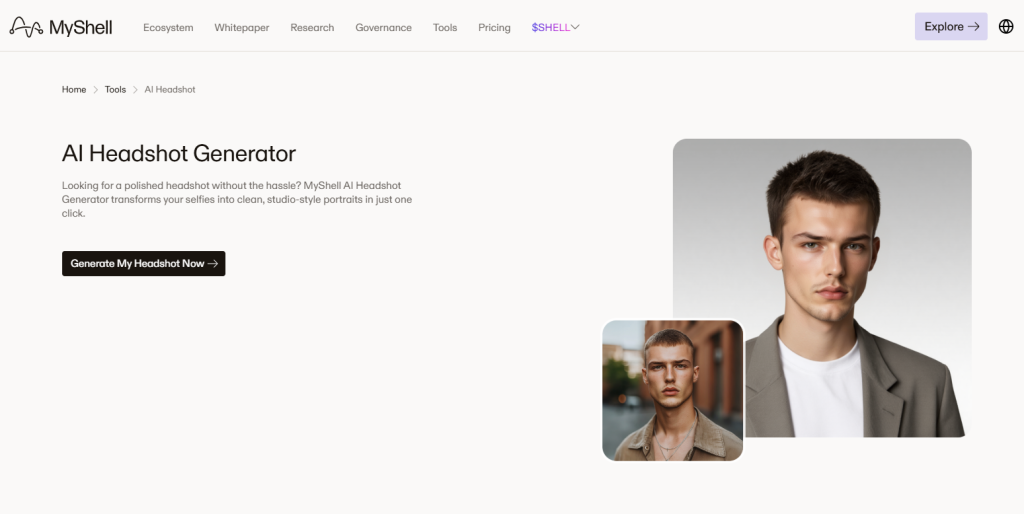
MyShell is a bit different because it’s part of a wider AI community platform. It’s very fast and only needs one photo, but the style is a bit more artistic and tech-focused than traditional corporate. It offers 23 different styles, ranging from realistic to more stylized versions of yourself. It’s not a free tool, but it’s interesting for people who want a unique digital identity for the tech world.
Key Strengths:
- With 23 styles, you can get a look that stands out from the typical “guy in a suit” photos you see everywhere else
- It has a simple process.You just need to upload, choose a style, and wait a short time.
Limitations:
- Unlike some others that give you a few free daily credits, you have to pay to get results here.
- It often looks more like a high-end avatar than a real photograph you’d use for a serious job.
Conclusion
| Product Name | Login Required | Customization Options | Photos Required | Processing Time | Quality (out of 5) | Pricing |
| Headshotmaster | No | Gender, Style, Age, Hair color/length/texture, Body type, Glasses, Ethnicity | 1 | 30-50s | 5 | Free |
| Canva | Yes | Gender, 12 Styles | 1 | 1-2 mins | 4 | Partially Free |
| Aragon AI | Yes | Gender, Age, Hair color/length, Ethnicity, Body type, Clothing, Background | At least 6 | 3 mins | 5 | Free |
| NoteGPT | Yes | Gender, 9 Styles | 1-8 | 2 mins | 3 | 2 free images daily |
| VisualGPT | Yes | Gender, 9 Styles | 1 | 1-2 mins | 4 | 2 free daily attempts |
| Fotor | Yes | 4 Free Styles | 1 | 4 mins | 4 | Paid |
| Instaheadshots | Yes | 50 Styles (Choose 5) | 10 | 15 mins | 4 | Paid |
| MyShell | Yes | 23 Styles | 1 | 2 mins | 3 | Paid |
Choosing the right tool depends on your specific needs. If you value high realism and do not mind a longer wait, platforms that require multiple photos are a solid investment. On the other hand, if you need a quick update without the hassle of creating an account, Headshotmaster stands out as a highly efficient free ai headshot generator. It delivers a professional look in just 30 to 50 seconds, making it the most streamlined option for busy professionals.
Ultimately, AI has made professional branding accessible to everyone. Whether you choose a tool for its advanced editing features or its sheer speed, your next professional headshot is now just a few clicks away.